Configure AvaTax Excise transaction fields
Use this guide to configure the transaction fields sent from BigCommerce to AvaTax Excise.
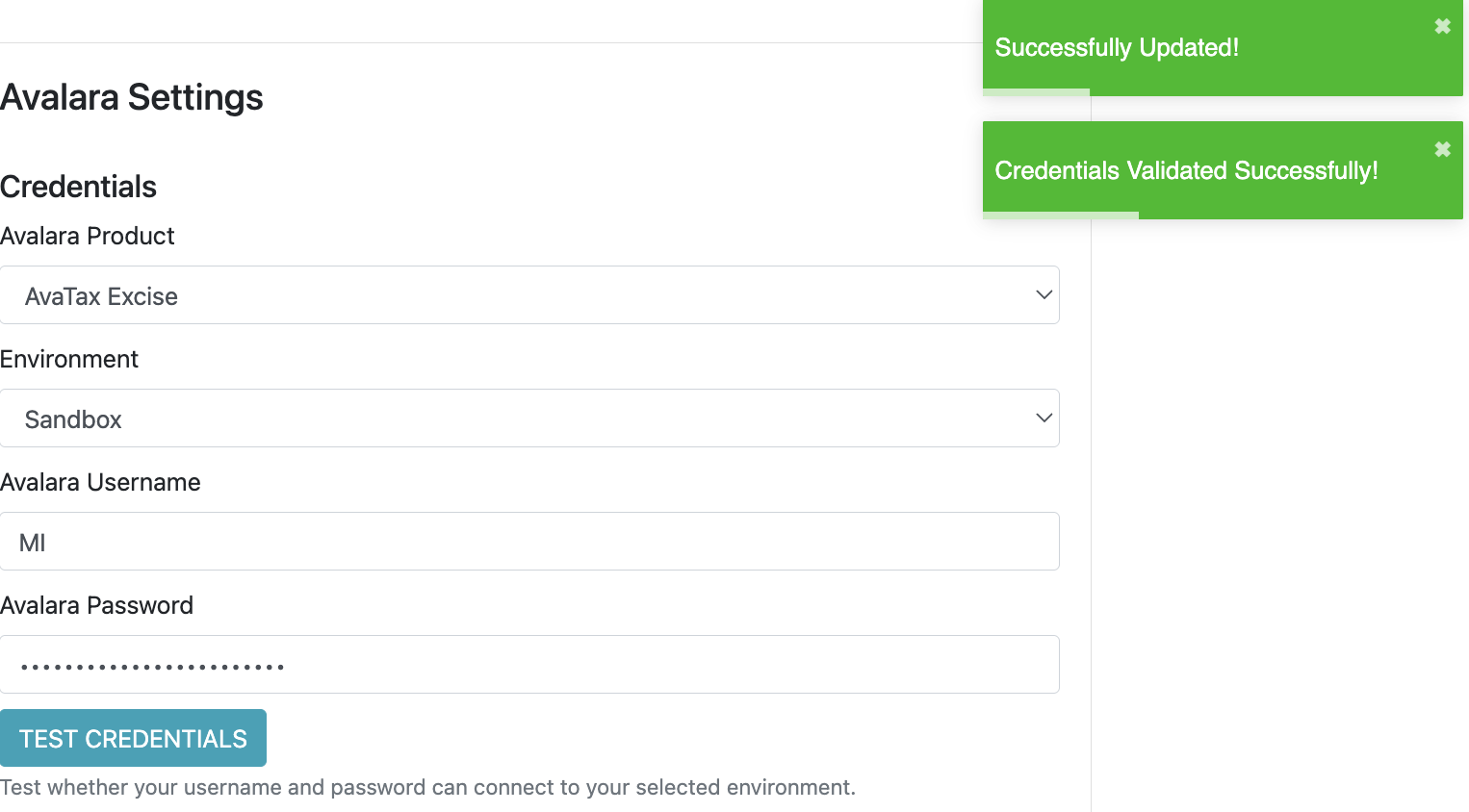
Complete Set up AvaTax Excise before using this guide. The store should already have the app enabled and set to use AvaTax Excise, valid credentials, a company code, and default Excise transaction settings.
How checkout transactions are built
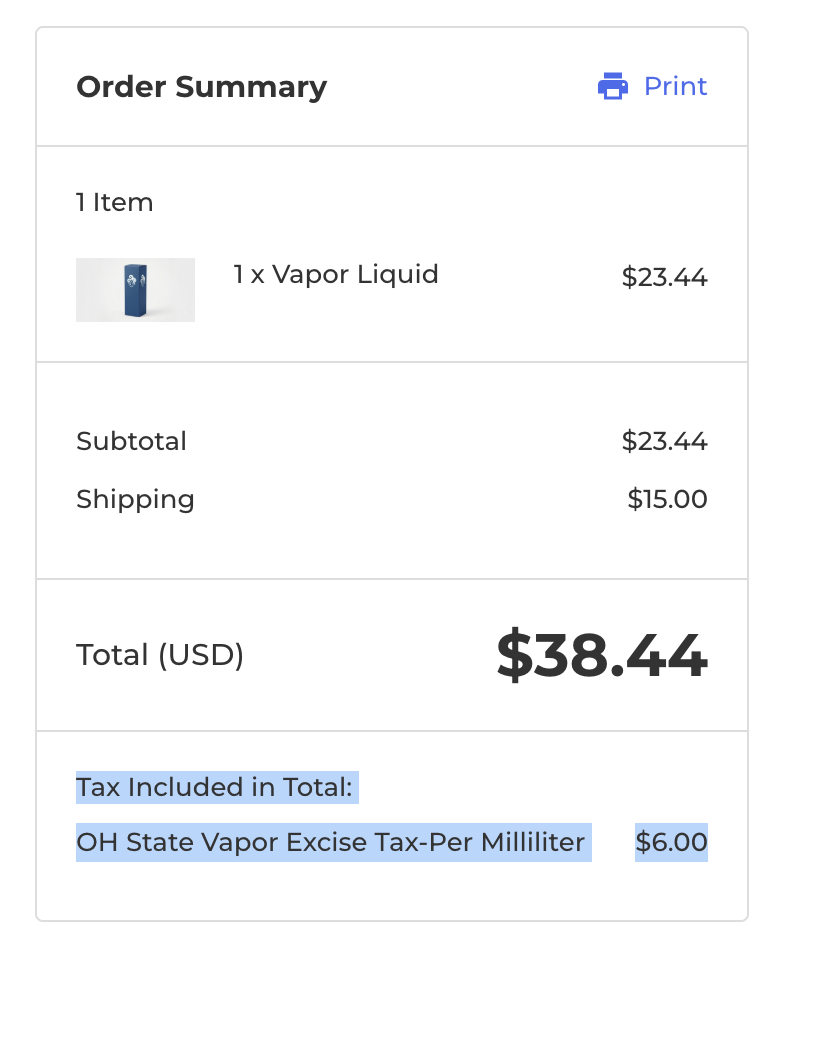
During checkout, BigCommerce sends a tax estimate request to the app. The app converts the cart, customer, addresses, product data, and BigCommerce tax properties into an AvaTax Excise transaction.
The app sends:
- One AvaTax Excise transaction for the checkout quote.
- One transaction line for each taxable product.
- Optional shipping and handling lines when configured.
- Document-level fields such as invoice date, effective date, seller, buyer, transaction type, and custom values.
- Line-level fields such as product code, unit of measure, units, sale address, entity use code, and custom values.
Field priority
Some values can be configured in more than one place. The app uses this priority:
| Priority | Source |
|---|---|
| 1 | BigCommerce tax properties on the customer, document, or product line. |
| 2 | Product custom fields created by the app, where supported. |
| 3 | Avalara settings in the app. |
| 4 | App fallback values, such as checkout quantity or today’s date. |
Use BigCommerce product tax properties when you need values to vary by customer, product, or checkout context. Use app settings for defaults that apply broadly across the store.
Document-level transaction fields
Document-level fields apply to the whole AvaTax Excise transaction. The can be configured in App Setup.
| AvaTax Excise field | Where to configure it | Fallback |
|---|---|---|
| EffectiveDate | Tax property ate_effective_date on the customer or document. | Today’s date. |
| InvoiceDate | Tax property ate_invoice_date on the customer or document. | Today’s date. |
| InvoiceNumber | Tax property ate_invoice_number on the customer or document. | Checkout quote ID. |
| TransactionType | Avalara settings. For tobacco, nicotine, and vape, common values are WHOLESALE, RETAIL, and DIRECT. | DIRECT. |
| TitleTransferCode | Avalara settings. Common values are ORIG and DEST. | DEST. |
| Seller | Avalara settings. | Blank if not configured. |
| Buyer | Customer Avalara Custom ID when available, otherwise Avalara settings. | Blank if not configured. |
| UserTranId | Generated from the checkout quote. | Checkout quote ID. |
| EntityUseCode | Tax property ate_entity_use_code on the customer or document, or customer attribute Avalara Customer Entity Use Code. | Blank. |
| AvaTaxTransactionType | Store configuration, when available. | SalesInvoice. |
| SourceSystem | Avalara settings. | App default source system. |
For date fields, use YYYY-MM-DD format.
Product line fields
Line-level fields apply to each product line sent to AvaTax Excise.
| AvaTax Excise field | Where to configure it | Fallback |
|---|---|---|
| ProductCode | Product tax property ate_product_code, or product custom field Avalara Product Code. | BigCommerce SKU or item reference. |
| UnitOfMeasure | Product tax property ate_unit_of_measure, or product custom field Avalara Unit of Measure. | Avalara settings unit of measure. |
| AlternateUnitPrice | Product tax property ate_alternate_unit_price, or product custom field Avalara Alternate Unit Price. | Product unit price. |
| UnitPrice | BigCommerce product price. | Product unit price. |
| Currency | BigCommerce checkout currency. | USD if unavailable. |
| EntityUseCode | Product tax property ate_entity_use_code, or product custom field Avalara Entity Use Code. | Blank. |
| Discounted | BigCommerce tax exempt flag. | false. |
For tobacco, nicotine, and vape products, confirm the correct product code, unit of measure, and unit quantities with Avalara. These fields often control which tax rules apply.
Origin, destination, and sale addresses
Each AvaTax Excise line includes origin, destination, and sale address information.
| Address | Source |
|---|---|
| Origin address | Store company details configured in the Avalara settings and BigCommerce tax estimate document. |
| Destination address | Customer shipping address from checkout. |
Example tax properties
This example shows common tax properties for a tobacco, nicotine, or vape checkout.
Customer or document tax properties:
[
  { "code": "ate_effective_date", "value": "2026-06-01" },
  { "code": "ate_invoice_date", "value": "2026-06-01" },
  { "code": "ate_invoice_number", "value": "INV-10001" },
  { "code": "ate_entity_use_code", "value": "G" },
  { "code": "ate_document_custom_string_1", "value": "online-checkout" },
  { "code": "ate_document_custom_numeric_1", "value": "42" }
]
Product line tax properties: